
Why Website Visitors Leave Without Contacting You
Why Do Customers Leave Your Business Website Without Getting in Touch ? People often leave a business website because they cannot tell whether you offer the service they need, cover their area or have experience with jobs like theirs. Others are...
- Nov 18, 2026
- 7 min read
By Asif Shaik

Why Do Customers Leave Your Business Website Without Getting in Touch ?
People often leave a business website because they cannot tell whether you offer the service they need, cover their area or have experience with jobs like theirs. Others are ready to get in touch but run into a hidden phone number, a confusing button or a form that will not send. Some visitors are still researching and may come back later.
Start with the page a likely customer sees first. Imagine someone in Kondapur looking for sofa cleaning before guests arrive at the weekend. They open your service page on a phone. Can they tell you to clean sofas at home, visit Kondapur and take requests for a specific day? Each answer helps them decide whether it is worth contacting you.
Why Website Visitors Leave Without Contacting You After Viewing a Service Page
They land on a page that does not answer their search
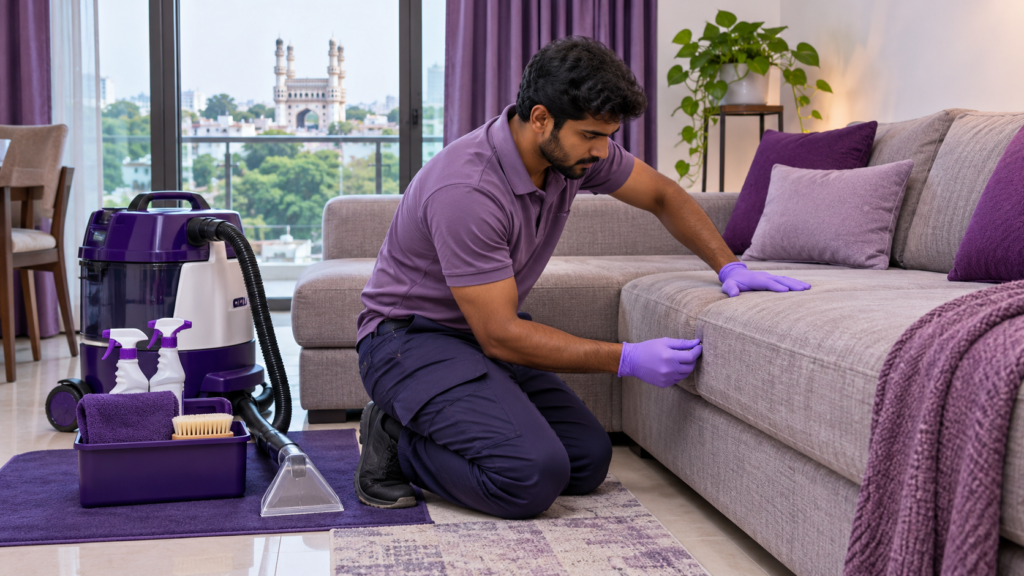
A first-time visitor might land on a service page from Google or open a link forwarded by a neighbour. Open that page directly, without visiting the homepage first. If the heading says “Professional Cleaning Solutions” and the page shows office cleaning photos, a homeowner looking for sofa cleaning has little to go on.
Give each important service a heading customers would recognise, such as “Sofa Cleaning at Home in Hyderabad.” Explain what is included and who the service is for. Link to related services where they help someone find the right option. If you offer wet cleaning only for suitable fabrics, say that on the sofa cleaning page so visitors with delicate upholstery know to ask before arranging a visit.
They cannot tell whether you cover their area or when you can help
Serving Hyderabad may leave customers wondering whether you should visit their part of the city. Put the areas you actually cover on the service page, close to the description or enquiry button. If you serve only parts of a neighbourhood, invite visitors to share their PIN code to check coverage. For a walk-in business, show the branch address and opening hours where people decide whether to visit.
Explain timing in terms you can support. Use Tell us your preferred day when you enquire when your team needs to confirm availability. If the phone is staffed only during business hours, show those hours beside the number. Customers can then choose whether to call or send a request.
They cannot see evidence that you handle jobs like theirs

Someone with a fabric sofa may want to see how you handle upholstery similar to their own. A genuine photo from a completed job, with permission and a caption about the material and work carried out, answers that question more directly than a general claim about quality. A relevant customer review can also help people assess what the service is like.
Place that evidence where the visitor is making the decision. A short project example beside the service details is easier to find than a gallery linked only from the footer. If you have several locations, make clear which branch a review or example refers to when that affects its relevance.
They try to enquire and run into a problem with the contact options
Check what the visitor sees after tapping your main button. Ask About Sofa Cleaning should open a form or contact route where the service is already clear. If it opens a generic page that asks them to pick the service again, check whether you can carry their selection across. On mobile, test whether the keyboard hides an error message or the text is hard to read without zooming.
Ask for the details your team needs for the first enquiry. For sofa cleaning, that might be the locality, sofa size and a way to reply. If a photo helps the team identify the fabric, explain why and make it optional if you can start without it. Show errors beside the relevant field so customers can correct them, and confirm when the website has accepted the request.
How to Find the First Step That Needs Fixing
Test the contact options on a real phone
Open the service page directly on a phone and try each contact option it offers. Place a test call, send a labelled WhatsApp message and submit the form using realistic test details, as applicable. Confirm that each reaches the intended destination. If a button opens the wrong app or a form rejects a valid entry, record the page, device and steps. Fix the failure and repeat the same test before investigating why people leave.
Check whether your reporting captures completed enquiries
Once the contact options work, compare what the dashboard tracks with the calls, messages and forms your business actually receives. A report that counts forms alone can miss enquiries made through other channels. If you track WhatsApp taps, label them as taps. The message in your inbox confirms the enquiry. If the test enquiry reached your business, check the report’s date range and allow time for processing. If the enquiry is still missing from a report that should count it, review the tracking setup.
Check what visitors came for and whether they can find it
Use the Landing page report in Google Analytics 4 to see which pages visitors enter through. For visits from Google Search, filter the Search Console Performance report to the service page and read the listed queries. Searches about removing stains at home suggest a different need from searches for a sofa cleaner in Kondapur. If the page serves both purposes, give readers clear routes to the care advice and the enquiry option.
Then give someone unfamiliar with the site a task on their phone. Ask them to find out whether they can arrange sofa cleaning in Kondapur before Saturday and show how they would enquire. Have them think aloud. If they overlook the coverage details, move those details closer to the service description and ask another person to try the same task.
A Hyderabad Example of a Contact Button That Fails on Mobile
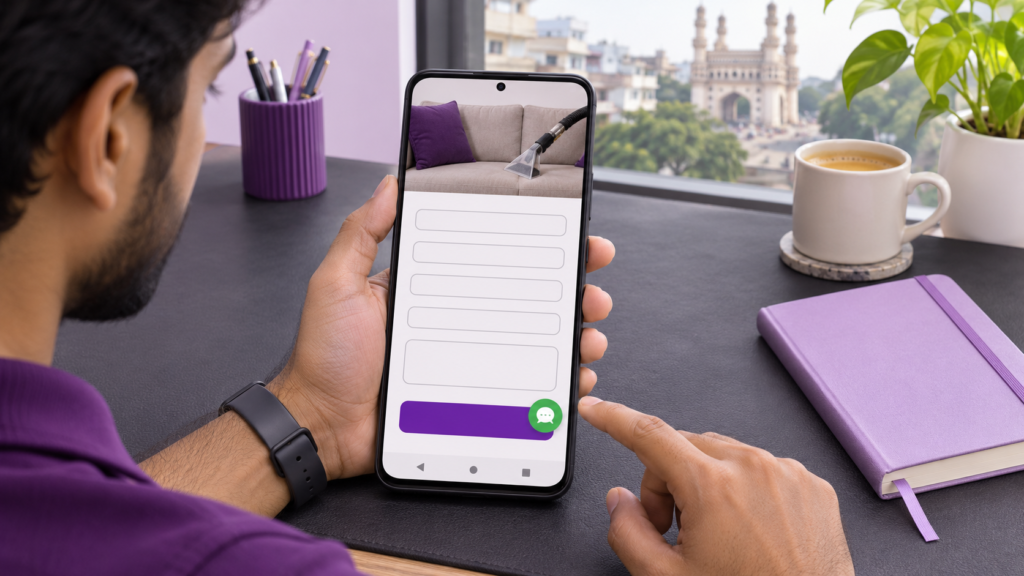
In this hypothetical example, a sofa cleaning business receives enquiries through its homepage, but the owner finds none from the form on its sofa cleaning page. During a portrait-mode test in Chrome on an Android phone, the tester selects Ask About Sofa Cleaning. The button scrolls to the form, where a floating WhatsApp widget overlaps the Submit button. Tapping that spot opens WhatsApp. On the desktop, the form can be submitted.
The owner asks the developer to reposition the widget so the form controls remain clear on narrow screens. They repeat the test on the same phone and a second device, submit a labelled test enquiry and verify that the form displays a success message and saves the request in the form system. They also check that the WhatsApp shortcut still works when tapped deliberately. The test verifies that both routes work under those conditions.
When to Update a Page and When to Review the Website
If customers miss your coverage details on one page, move them to where customers look for service information. If several services are hard to find because the menu sends people through generic pages, Bixeltek’s Hyderabad web design services can help review the navigation and page layouts.
A clearer enquiry path helps customers work out whether a service fits their needs and gives your team useful details such as the service and locality from the first message. When contact options work but customer tests still show hesitation, website conversion optimization can help identify which part of the page to improve first.
Send Bixeltek the page you want to review, the service visitors are looking for and the action you want them to be able to take.