
Internal Linking for Service Websites: A Practical Guide
Internal Linking for Service Websites: How to Connect Blogs and Service Pages Internal linking for service websites connects readers with the information or assistance they need next. Link educational articles to relevant services, connect service pages to useful guides, and cross-link...
- Oct 16, 2026
- 10 min read
By Asif Shaik
Internal Linking for Service Websites: How to Connect Blogs and Service Pages
Internal linking for service websites connects readers with the information or assistance they need next. Link educational articles to relevant services, connect service pages to useful guides, and cross-link related content where it answers a further question.
For example, someone reading about preparing an office for cleaning may need to check what your commercial cleaning service includes. Someone viewing that service may need the preparation guide before requesting a quote.
Each link should serve a clear purpose. Adding links alone does not guarantee indexing, higher rankings or more enquiries.
Give Each Page a Clear Role
Before editing links, identify what each page helps visitors do.
A service page explains the offer: who it suits, what it covers and how to enquire. A blog article answers a narrower question, such as how to recognise a problem, compare options or prepare for a service.
A services overview helps visitors choose between offers. A resource hub groups educational content around a subject. Smaller websites may already have suitable organisation through their service pages and blog categories; a separate hub is not necessary for every topic.
These roles help you choose destinations. When another page answers a supporting question properly, linking to it can provide detail without repeating the explanation.
Where the difficulty is deciding how existing content should connect, Bixeltek’s on-page SEO services cover internal linking alongside page content and structure.
Build Navigation Around How Customers Explore Your Services
Your main navigation should provide understandable access to your core services. When several services belong together, an overview page can explain their differences and link to each detailed offer.
For a property maintenance business, that might mean:
- A property maintenance overview introducing the available services.
- Separate pages for plumbing repairs, electrical work and painting.
- Relevant guides linked from the service sections they support.
Use labels customers recognise. “Electrical repairs” gives a clearer expectation than an internal department name.
Breadcrumbs can provide a route back through the hierarchy, particularly on larger websites. They complement the main navigation and links within the content.
Test these journeys on mobile and desktop. Check that menus open, destination labels remain readable and visitors can reach the intended service without relying on site search.
If your templates make navigation difficult to organise or maintain, Bixeltek’s professional web design services can help assess the underlying page structure.
Place Contextual Links Where Readers Need More Information
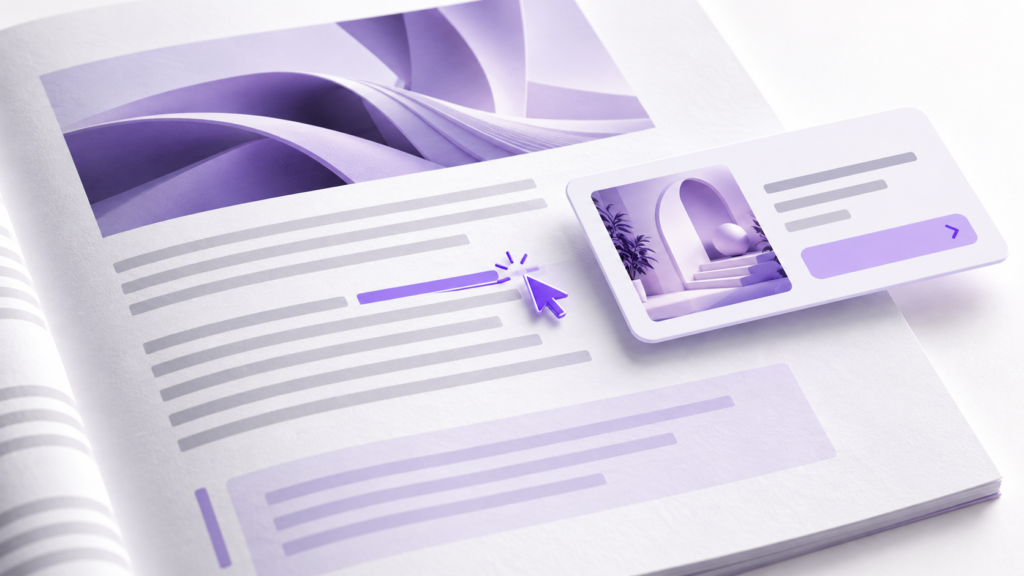
A contextual link appears within relevant content. Its surrounding sentence explains why the destination matters.
Three relationships are especially useful on service websites.
Link From a Blog to the Relevant Service
Place the service link where the article moves from explaining a problem to considering assistance.
In a guide about recurring blocked drains, a paragraph explaining when an inspection may be needed is a sensible place to link to a drain inspection service.
The destination should match the specific need. A broad services overview is less useful when the reader already knows which service they want.
A service link is not necessary in every article. Include it when the offer provides a relevant next step for the question being discussed.
Link From a Service Page to Supporting Guidance
Visitors do not always arrive through the blog. Someone landing directly on a service page may still need help understanding preparation, suitability or the process.
Link to a guide where it resolves that uncertainty. An office relocation service could link to a moving preparation checklist beside its explanation of customer responsibilities.
Keep essential buying information on the service page. Visitors should not have to open several articles to discover what the service includes or how to contact you.
Connect Related Articles and Services Selectively
Cross-links are useful when they answer the next likely question.
A guide to choosing replacement windows could link to an explanation of glazing options. A window installation page might link to a repair service where it explains situations in which replacement may be unnecessary.
Sharing a broad category is not enough reason to connect two pages. Before adding a link, finish this sentence:
“The reader may need this page because…”
If the reason is unclear, reconsider the placement.
Write Anchor Text That Describes the Destination
Anchor text is the visible, clickable wording of a link.
It should tell readers what they can expect to find. “Office cleaning preparation checklist” is more informative than “click here.”
Match the wording to the destination’s actual content. Do not promise a checklist if the linked page only describes a service.
Write the sentence naturally, then select the phrase that identifies the resource. Relevant service names can appear in anchors when they fit. There is no need to manufacture variations or follow a prescribed keyword-anchor ratio.
Avoid turning a long list of related keywords into one link. Also check that different destinations are distinguishable: several nearby links labelled “our services” make choosing harder.
Example Linking Plan for a Service Website

The following is a hypothetical plan for an accounting firm offering bookkeeping and payroll services. It illustrates placement decisions, not a required number of links.
| Source page | Suggested placement | Destination | Example anchor text | Reader’s reason to continue |
|---|---|---|---|---|
| Services overview | Bookkeeping summary | Bookkeeping service page | Monthly bookkeeping services | Check the scope of ongoing support |
| Bookkeeping preparation guide | Section on handing records to an accountant | Bookkeeping service page | Ongoing bookkeeping support | Understand the available assistance |
| Bookkeeping service page | Onboarding section | Bookkeeping preparation guide | Records to prepare for bookkeeping | Gather the information needed to start |
| Payroll deadline guide | Section discussing outsourced administration | Payroll service page | Payroll administration service | Review help with the described work |
| Bookkeeping preparation guide | Paragraph about organising employee payment records | Payroll records guide | Payroll records checklist | Handle a related records task |
| Payroll service page | Enquiry section | Contact page | Discuss your payroll requirements | Ask about business-specific needs |
Use these relationships only where the named pages exist and fulfil the expectation.
For your own plan, record the source page, destination, proposed wording and reason for the link. Add an owner and completion status if several people maintain the website.
Review older content when publishing a new article. Adding outgoing links to a new post does not create a route into it from existing pages.
Find Orphan Pages and Weak Connections
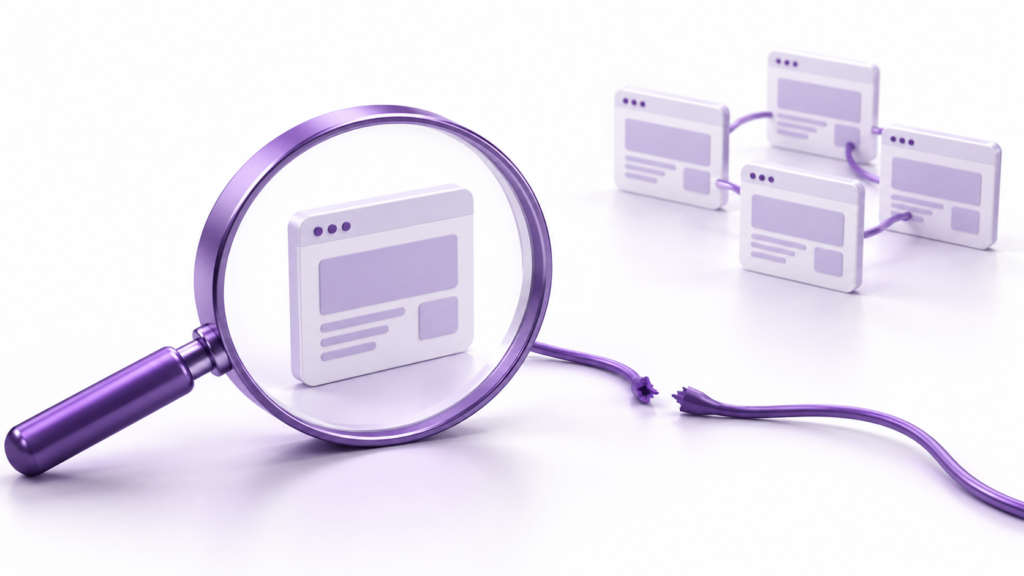
An orphan page cannot be reached by following internal links from the homepage or the website’s normal navigation. A group of pages can also be disconnected even when those pages link to one another.
A page with no incoming links from other website pages is a clear warning sign. However, absence from a crawl needs investigation before you classify the page as orphaned.
Check Crawl Coverage Before Comparing Pages
Use Screaming Frog SEO Spider to crawl from the homepage.
Before interpreting missing pages, check whether the crawl finished without reaching its URL limit. Review restrictions that could exclude relevant sections, including crawl scope, exclusion rules and depth limits. Check whether the website needs JavaScript rendering for its links to be discovered.
A crawl stopped by its URL limit or restricted to part of the website cannot establish that a missing page is orphaned. Even a completed crawl can miss links because of configuration, rendering or access limitations. Address those limitations or investigate the suspected page separately.
Compare the Crawl With Your Published Page Inventory
Compare the discovered addresses with published pages exported from your content management system (CMS) and your XML sitemap, a file listing website URLs.
Pages present in those inventories but absent from the link crawl need investigation. Analytics and Google Search Console can provide additional addresses, although neither should be treated as a complete inventory.
Screaming Frog’s integrated orphan-page workflow can combine sitemap and connected data sources. Those features require the appropriate licence and configuration, followed by crawl analysis.
Check suspected cases manually before making changes. A sitemap entry can help search engines discover a page, but it does not provide visitors with a navigation route.
Review How Each Important Page Is Linked
For a discovered page, inspect its incoming links using the crawler’s Inlinks panel. Review the source pages, anchor text and placement.
A page linked only through a footer is not orphaned. It may still lack a useful connection from the content where visitors need it.
Choose the correction based on the finding:
- A useful service or article is disconnected: add a relevant link from an accessible page.
- An important service is difficult to reach: improve its route through the appropriate navigation or overview.
- An outdated page has a suitable replacement: review whether consolidation and a redirect are appropriate.
- A page is intentionally limited to a campaign: assess its purpose before adding it to general navigation.
Hypothetical Example of Repairing a Disconnected Guide
An accounting firm publishes a payroll guide that appears in its CMS and sitemap but is absent from a completed homepage crawl.
The reviewer checks crawl limits, exclusions, rendering and access restrictions, then manually inspects the likely source pages. No accessible page links to the guide.
The firm adds the guide to a relevant resource category and an existing payroll article. A fresh crawl discovers it through those links.
That verifies the repaired path. It does not establish a ranking improvement.
Verify the Links After Implementation
Open the edited pages and follow the links. Confirm that each destination delivers what its wording promises and works on mobile.
Then check the technical details:
- Link implementation: navigation links should use standard HTML anchor elements with an href destination. A clickable element controlled only by a script may not provide a crawlable link.
- Destination: update broken links and point directly to the current preferred URL rather than through avoidable redirects.
- Indexing settings: investigate unintended blocks or noindex instructions on pages intended for search. Adding links will not remove those restrictions.
- Discovery: repeat the crawl to confirm that the intended routes exist.
For JavaScript-dependent pages, Google Search Console’s URL Inspection live test can help you inspect the rendered page and check whether the link appears in its HTML. The live test does not confirm that Google has indexed the updated page.
Record the changes and their publication dates. Review search performance separately, considering other website changes and demand. Bixeltek’s guide to assessing SEO progress over time explains how to interpret that broader picture.
Get Help Connecting Your Blogs and Service Pages
If your articles explain relevant problems but leave visitors without a clear route to the right service, Bixeltek can review the connections between your content, navigation and enquiry pages.
The review can identify missing paths, misleading anchors and template restrictions that need attention.